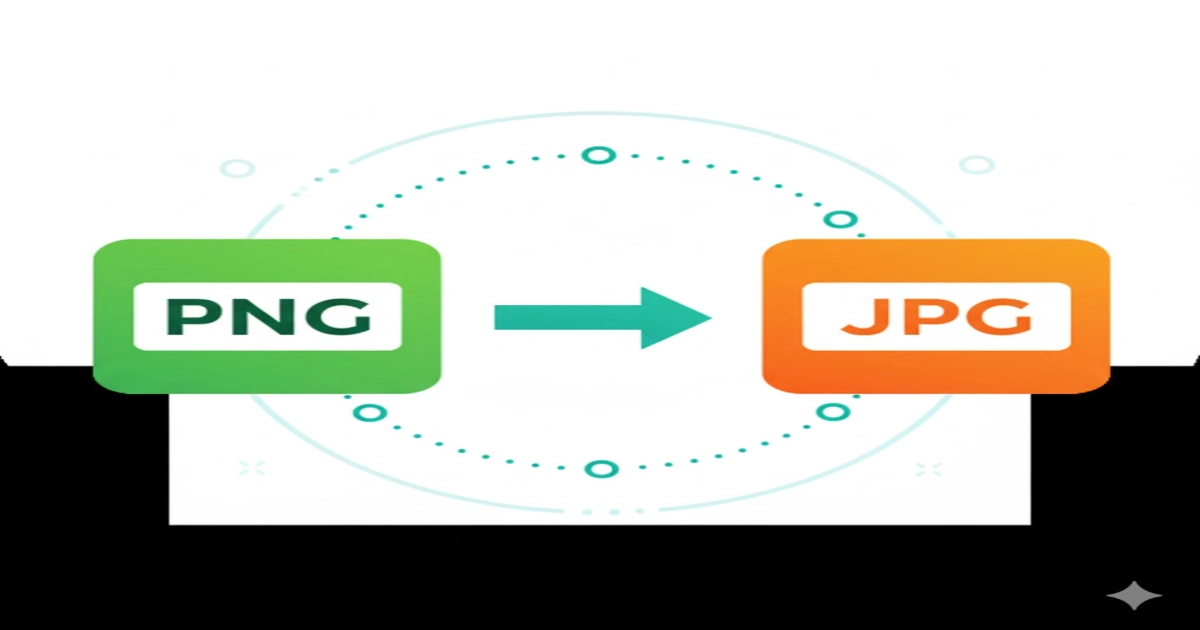
JPG to PNG Converter — Fast, Private, and Lossless
Convert your JPG or JPEG images to high-quality PNG format instantly using this free online converter. The tool runs entirely in your browser, ensuring complete privacy because your images never leave your device. With support for batch processing, preview thumbnails, and ZIP downloading, this converter is both convenient and efficient.
Why PNG Files Are Larger Than JPG
JPG uses lossy compression, which removes image details to reduce file size. PNG uses lossless compression, preserving every pixel and keeping image quality fully intact. This often results in larger file sizes but ensures sharper graphics, better text clarity, and support for transparency.
How This Converter Preserves Quality
The converter maintains the original dimensions of your JPG image without stretching, upscaling, or cropping. It simply generates a clean, lossless PNG version of your original file. This makes it ideal for creative work, printing, logos, and assets requiring transparent backgrounds.
Key Benefits
- Lossless PNG output with preserved clarity
- Supports transparency for graphics and logos
- Batch conversion for multiple images
- Preview images before downloading
- ZIP download for converting many files at once
- No uploads — 100% private and secure
When to Use PNG Format
PNG is best for images that require transparency, branding assets such as logos, graphical content with text, and images needing maximum detail retention. Although the file is larger, the visual quality is significantly higher, especially for professional or design usage.
Updated:
Tools Purulia Nature Care
Innovative Free Tools for Everyone
PNG → JPG Converter
Client-side conversion — high-quality JPG output. Your images never leave the browser.
Global Progress
Conversion log
📘 User Manual — PNG → JPG Converter
Overview
The PNG → JPG Converter by Tools Purulia Nature Care lets you convert PNG images to JPG format instantly, with high quality and privacy. All conversions run locally in your browser — nothing is uploaded.
How to Use
- Click the upload box or drag and drop PNG files.
- Set the image quality (98–100 % recommended).
- Choose a background color for transparent areas.
- Click Convert & Download ZIP to get all JPGs instantly.
- All processing happens safely in your browser.
Key Features
- ✔️ Multiple PNG uploads supported
- ✔️ 100 % client-side conversion (no server use)
- ✔️ Adjustable quality and background options
- ✔️ Automatic ZIP download after conversion
- ✔️ Fast, safe, and mobile-friendly
Privacy & Security
All conversions occur entirely within your browser, ensuring 100 % privacy and data protection. No image leaves your device.
© Tools Purulia Nature Care — PNG → JPG Converter Manual
Last Updated: November 2025
↑ Back to Top of Converter
There are no reviews yet. Be the first one to write one.
Q1. What does the PNG to JPG Converter do?
This tool converts PNG images into JPG format instantly while keeping the image quality high. It works fully in your browser, ensuring complete privacy.
Q2. Is the PNG to JPG Converter free to use?
Yes. The tool is 100% free with no limits, no watermarks, and no hidden charges.
Q3. Will my images be uploaded to a server?
No. All conversions happen inside your device browser. Your images never leave your computer or mobile.
Q4. Can I convert multiple PNG files at once?
Yes. The converter supports bulk PNG uploads, and you can convert all images together in one click.
Q5. What is the benefit of converting PNG to JPG?
JPG images are lighter, load faster on websites, and save storage space compared to PNG. They are ideal for photos, blogs, and social media.