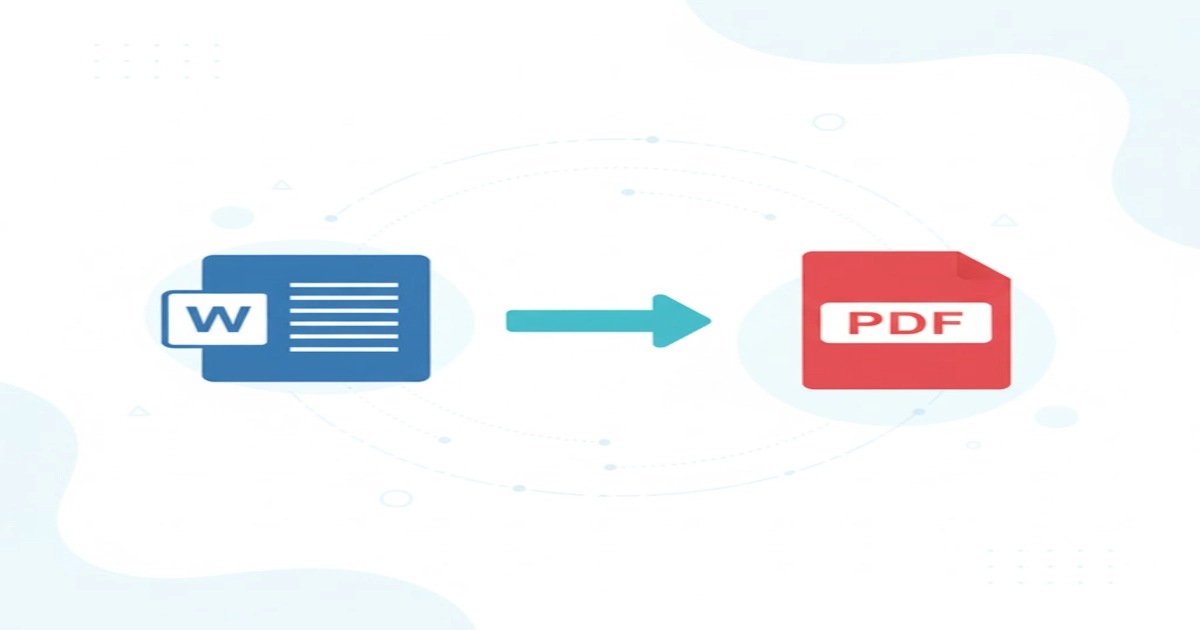
Free Online Word to PDF Converter – Fast, Secure & Easy to Use
If you are looking for a reliable and fast Word to PDF Converter, you are in the right place. Our online tool allows you to convert .doc and .docx files into high-quality PDF documents instantly—without installing software or uploading your data to any server. The entire process happens inside your browser, ensuring privacy, speed, and complete control over your files.
Why Use an Online Word to PDF Converter?
PDF is one of the most universal document formats used for printing, sharing, and professional communication. Converting your Word files into PDF ensures that formatting, fonts, images, tables, and layout remain consistent across all devices. Our converter makes this process simple and accurate.
Key Features of Our Word to PDF Tool
- Supports .doc and .docx formats with high-quality PDF output.
- Convert multiple Word documents at the same time.
- Merge multiple Word files into a single PDF.
- Generate separate PDFs for each file and download them as a ZIP.
- Mobile-friendly and works on desktop, tablet, and smartphones.
- 100% secure — conversion happens locally in your browser.
- No installation, no watermark, no signup required.
How to Convert Word to PDF Online – Step-by-Step
- Click on the Select Word Files button.
- Choose one or more .doc or .docx files from your device.
- Select one of these options:
- Join all documents into a single PDF.
- Create separate PDFs for each Word file.
- Click the Convert button to begin the process.
- Download your output file (PDF or ZIP) once the conversion is complete.
Benefits of Using a Browser-Based Converter
Unlike server-based converters, our tool processes your files directly inside your browser using secure open-source libraries. This ensures:
- No files are uploaded online.
- Your documents remain private and protected.
- Conversion is faster, with no waiting for server response times.
- Ideal for confidential business, academic, or legal documents.
Common Uses for Word to PDF Conversion
- Submitting assignments or reports in PDF format.
- Sharing documents without changing the layout.
- Creating professional resumes in PDF form.
- Preparing documents for printing with proper formatting.
- Storing important files in a long-lasting universal format.
Tips for Best Conversion Quality
Important Notes
Conclusion
Our Word to PDF Converter is designed to offer a smooth, secure, and fast document conversion experience. Whether converting a single file or multiple documents, combining pages, or generating separate PDFs, this tool ensures accuracy, privacy, and ease of use. Try it now and simplify your daily document tasks.
Word → PDF Converter
Convert single or multiple .doc or .docx files to high-quality PDF. Desktop & mobile optimized. Options to join into a single PDF (page-wise) or create separate PDFs and download as ZIP.
Preview / Options
You can preview converted HTML fragments (for visual checking). Hidden by default to avoid clutter.
📘 User Manual — Word → PDF Converter
Welcome to the Word to PDF Converter by Tools Purulia Nature Care. This online tool allows you to easily convert .doc or .docx files into high-quality PDF documents — directly from your browser, without losing layout or quality.
🌐 Key Features
- ✅ Supports both .doc and .docx formats.
- 📱 Fully optimized for both Desktop and Mobile users.
- 📂 Convert single or multiple Word files at once.
- 🧩 Option to combine multiple Word documents into one single PDF (page-wise).
- 📑 Option to create separate PDFs for each document and download them all in a ZIP file.
- 🔒 100% privacy — all processing is done in your browser; no file upload to server.
🪜 Step-by-Step Instructions
- Click on the Select Word (.doc or .docx) files button.
- Choose one or multiple Word files from your device.
- You can select:
- ✔ Join all documents — combines all pages into one PDF.
- ✔ Create separate PDFs — each file becomes a separate PDF.
- Click the Convert button to start processing.
- Once conversion is complete:
- Use Download last PDF to save a single file.
- Use Download ZIP to get multiple PDFs packed together.
🧠 Technical Notes
- All conversion is handled locally in your browser using secure open-source libraries.
- No data is uploaded or stored on any external server.
- Supported browsers: Chrome, Edge, Firefox, Safari (latest versions recommended).
- Maximum recommended file size: up to 20 MB per document (browser-dependent).
💬 Support & Feedback
If you face any issue or have suggestions for improvement, please contact the Purulia Nature Care Support Team at:
📧 support@tools.purulianaturecare.com
There are no reviews yet. Be the first one to write one.
Q1. Is this Word to PDF Converter free?
Yes, it is completely free with no hidden charges.
Q2. Is my data safe?
Absolutely. All files are processed locally and never uploaded anywhere.
Q3. Can I combine multiple Word documents into one PDF?
Yes, simply enable the “Join all documents” option before converting.
Q4. Does this tool work on mobile?
Yes, it is fully responsive and works on Android, iOS, and all major browsers.
Q5. Do I need to install software?
No installation is required. The entire conversion runs inside your browser.